Exclusions
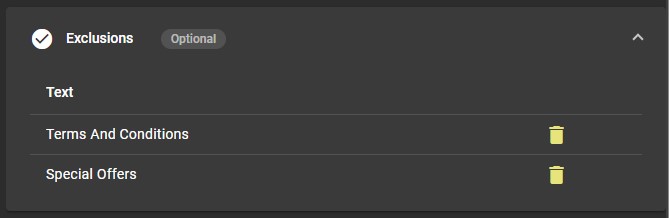
Exclusions allows for entire pages to be removed from the outputted document after scanning. For example, if the document contains pages for Terms and Conditions, these can be removed. Creating an exclusion is similar to creating a normal Template Field. Simply select a piece of text on the page (for example the words ‘Terms and Conditions’, if that exact text is detected in the same position in this & future documents then it will be removed from the output.
Info
Due to the nature of exclusions excluding the page they are found on once one has been created & saved it can not be edited in place, to adjust an exclusion is must be removed and recreated. Exclusions can be removed by clicking on the bin icon at the right side of the table.