Settings
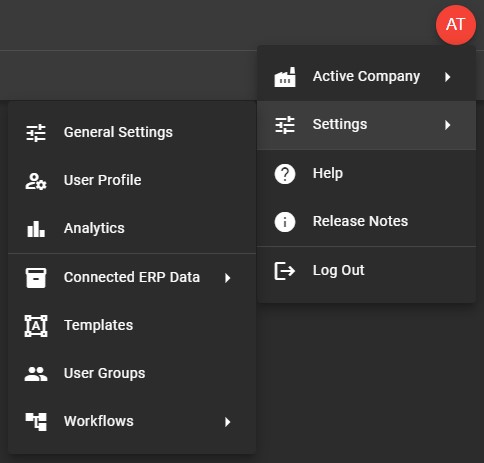
The various settings Invoice Automation contains allow you to tailor the function & experience to your specific business needs. Settings include options to control how documents flow through Invoice Automation, how and when Validation Errors are created and see what data has been sent to Invoice Automation from your connect ERP solution.
At a Glance
-
General Settings
Settings that affect the overall Invoice Automation application.
-
Connected ERP Data
Settings for specific companies & vendors as well imported from the connected ERP solution.
-
User Profile
Settings related to how a particular user interacts with Invoice Automation.
-
Workflows
Workflows allow you to control how documents flow through the Invoice Automation system.
Location
Settings can be accessed from the User Menu.