Made2Manage Invoice Automation Required Settings & Tips
M2M requires certain optional settings in Invoice Automation be configured to correctly function, these are listed below.
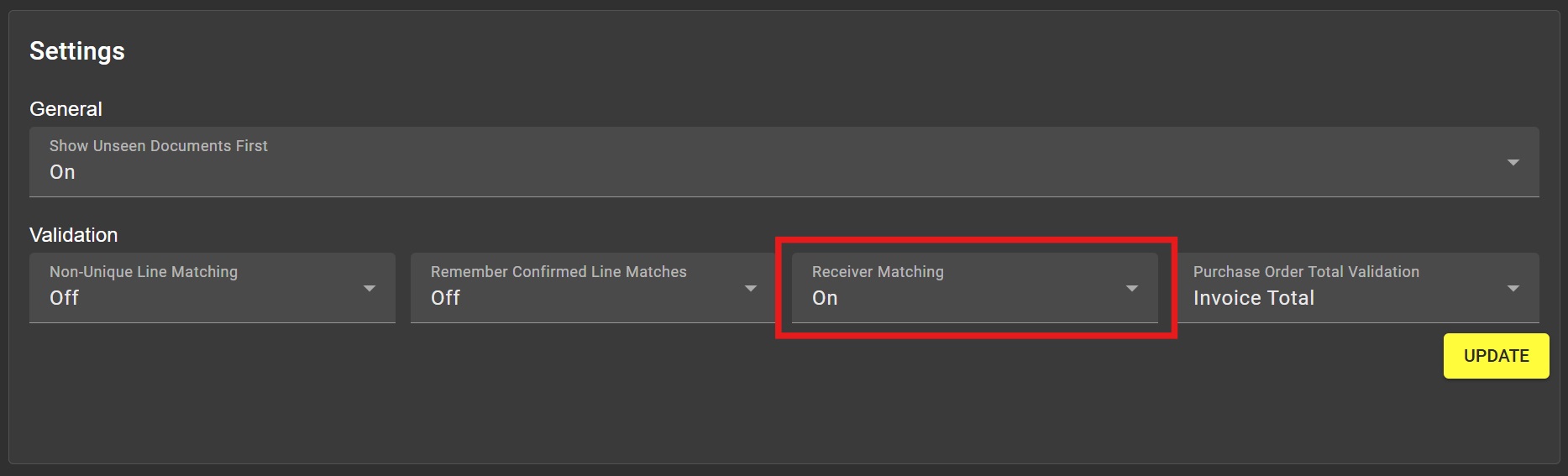
Receiver Matching
Receiver matching in General Settings should be enabled.
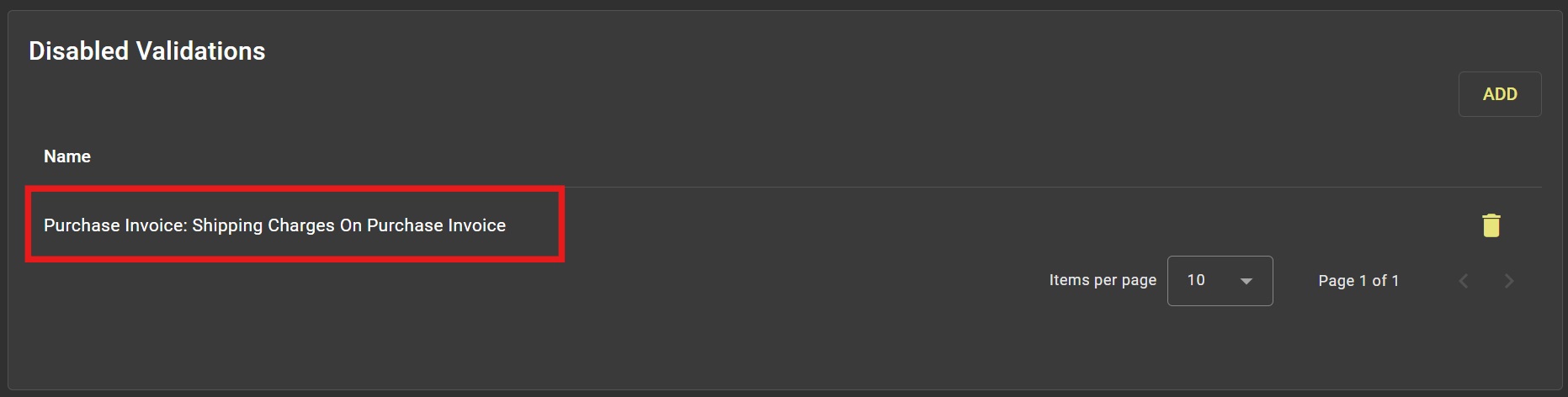
Purchase Invoice: Shipping Charges Missing On Purchase Invoice
Validation 'Purchase Invoice: Shipping Charges Missing On Purchase Invoice' should be disabled
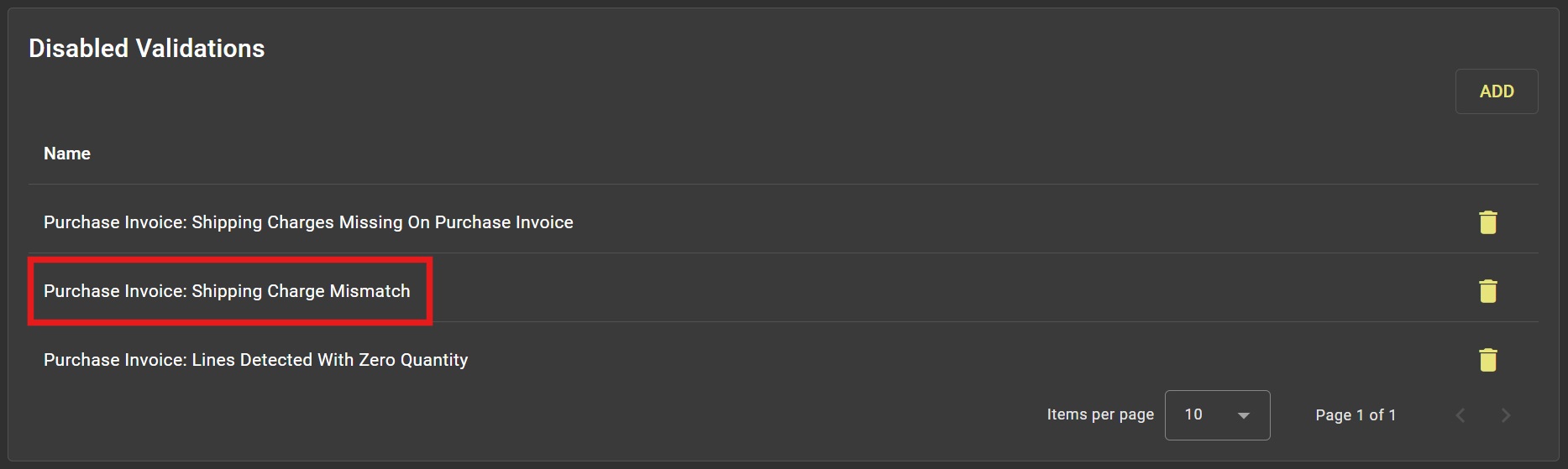
Purchase Invoice: Shipping Charge Mismatch
Validation 'Purchase Invoice: Shipping Charge Mismatch' should be disabled
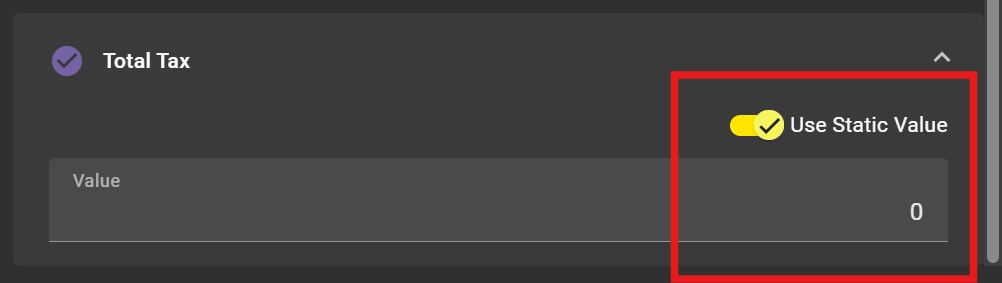
Total Tax - Static Value
As many invoices do not contain the tax value, a Static Value of '0' should be set on the template
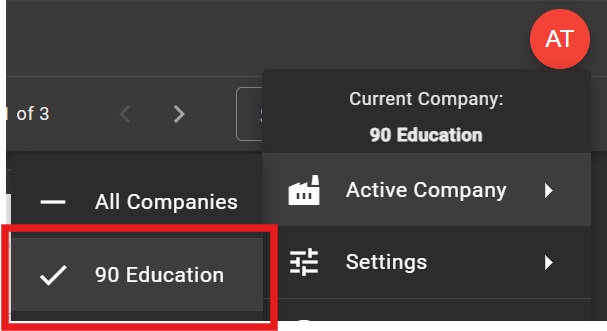
Active Company
If only 1 company is being used by IA then this should be selected as the active company. This will result in the company be auto-populated in various text fields (like the upload screen).